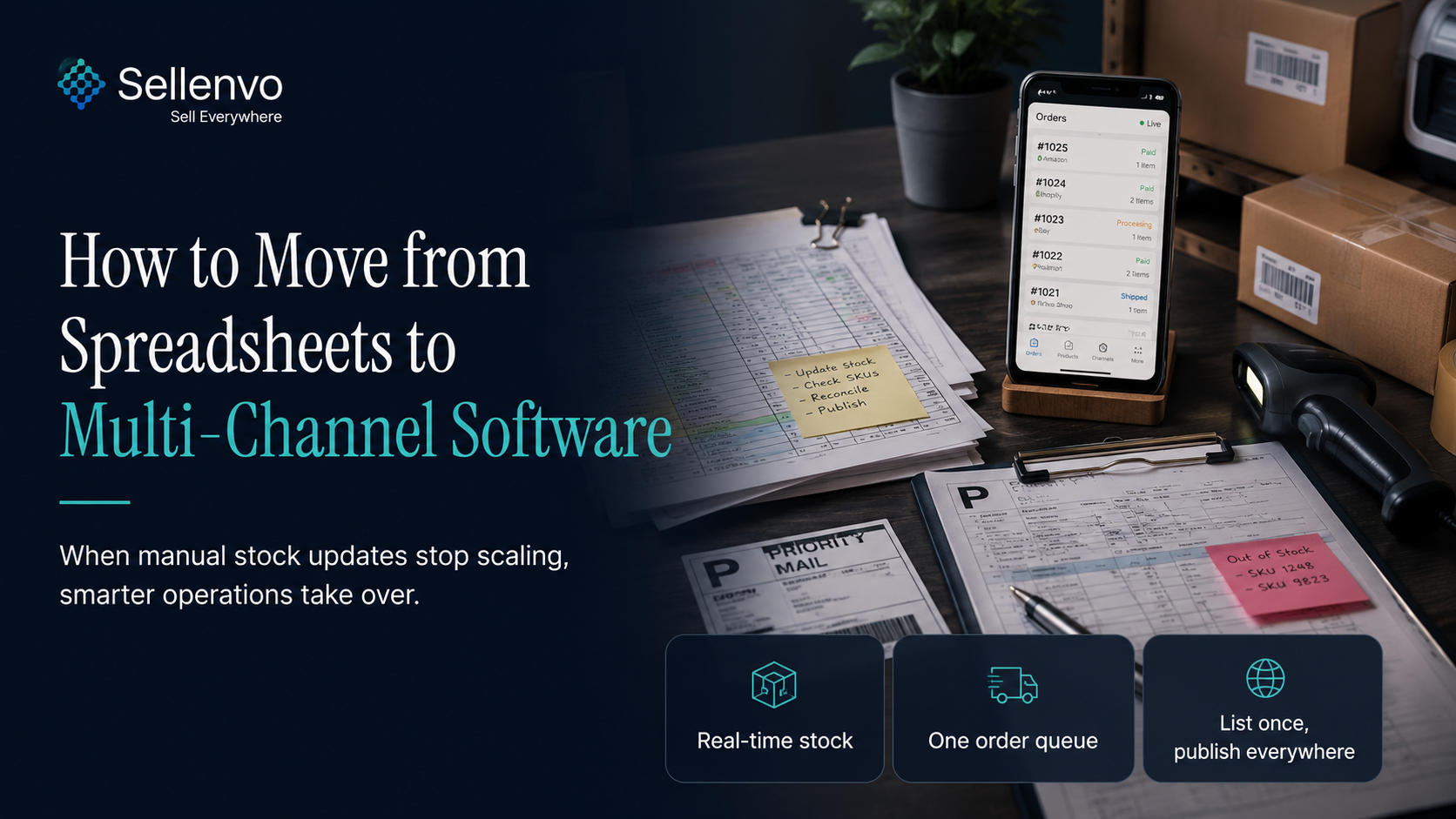
Almost every multi-channel seller starts on spreadsheets. They are free, flexible, and they work, right up until they do not. If you are spending your evenings updating stock columns by hand and still getting caught out by overselling, you have probably outgrown them. Here is how to know for sure, and how to move to proper software without the migration being painful.
The short version: spreadsheets break when your order volume outpaces your ability to update them in real time. The move is straightforward because your spreadsheet already holds the clean SKU data the new system needs.
How to know you have outgrown spreadsheets
You do not need a rule, you need to recognize the signs:
- You update stock manually after sales, and you are always slightly behind.
- You have oversold because the sheet was not current when a second order came in.
- You copy the same product details into multiple marketplaces by hand.
- Reconciling channels at the end of the day takes real time.
- One person effectively "owns" the spreadsheet, and things break when they are away.
If two or more of those are true, the spreadsheet is now costing you more than it saves.
What software does that a spreadsheet cannot
A spreadsheet is a static record you update. Multi-channel software is a live system that updates itself:
1. Real-time stock that deducts across every channel the moment an order lands, instead of when you get around to it. 2. One order queue instead of checking each marketplace separately. 3. List once, publish everywhere, instead of copy-pasting product details per channel. 4. Automatic reconciliation, so your counts stay true without a manual end-of-day pass.
How to migrate without the pain
The good news: the hardest part of any migration, clean product data, you have already done by running a spreadsheet. Here is the path:
1. Tidy your sheet. Make sure each SKU is unique and consistent. This is your migration backbone. 2. Connect your channels to a multi-channel platform. 3. Import or map your catalog so each product is recognized across marketplaces. 4. Turn on real-time sync and run it alongside your spreadsheet for a few days. 5. Verify, then retire the sheet once you trust the live counts.
With Sellenvo, your existing SKUs make this straightforward, you connect channels, map products, and let real-time sync take over the work you were doing by hand. You can run both in parallel before fully switching, with a free trial and a money-back guarantee to de-risk it.
Spreadsheet vs software
| Spreadsheet | Multi-channel software | |
|---|---|---|
| Stock updates | Manual, always behind | Real-time, automatic |
| Overselling risk | High | Controlled |
| Listing across channels | Copy-paste | List once, publish everywhere |
| If the owner is away | Breaks | Keeps running |
| Time cost | Grows with sales | Roughly flat |
When spreadsheets are still fine
To be fair: if you sell on one channel at low volume, a spreadsheet is genuinely fine, and software would be overkill. The case to switch only becomes strong once you are on multiple channels and your volume means manual updates can no longer keep up. That is the real trigger, not a specific number.
Bringing it together
Spreadsheets are a great start and a poor finish for a growing multi-channel store. When manual updates can no longer keep pace and overselling creeps in, the move to software pays for itself quickly, and because your SKU data is already clean, the migration is easier than you expect.
Sellenvo connects your channels and takes over the manual work, on a pay as you grow plan with a free trial. It already powers hundreds of growing stores, with 36M+ orders processed. Start a free trial or book a demo.
Frequently asked questions
When should I move from spreadsheets to multi-channel software?
When you sell on multiple channels and manual stock updates can no longer keep up, especially if you have started overselling. That is the point where a spreadsheet costs more than it saves.
Will I lose my data migrating from a spreadsheet?
No. Your spreadsheet's clean SKU data is exactly what the new system imports. You can run both in parallel and verify the software before retiring the sheet.
Is multi-channel software worth it for a small seller?
If you sell on one channel at low volume, a spreadsheet is fine. The value appears once you are on multiple channels and manual updates fall behind.
How long does the migration take?
Because your product data is already organized, most sellers connect channels, map products, and are operating within days, running in parallel with the spreadsheet first.
What is the single biggest gain over a spreadsheet?
Real-time stock that updates across every channel automatically, which removes both the manual work and the overselling that comes from being slightly behind.