
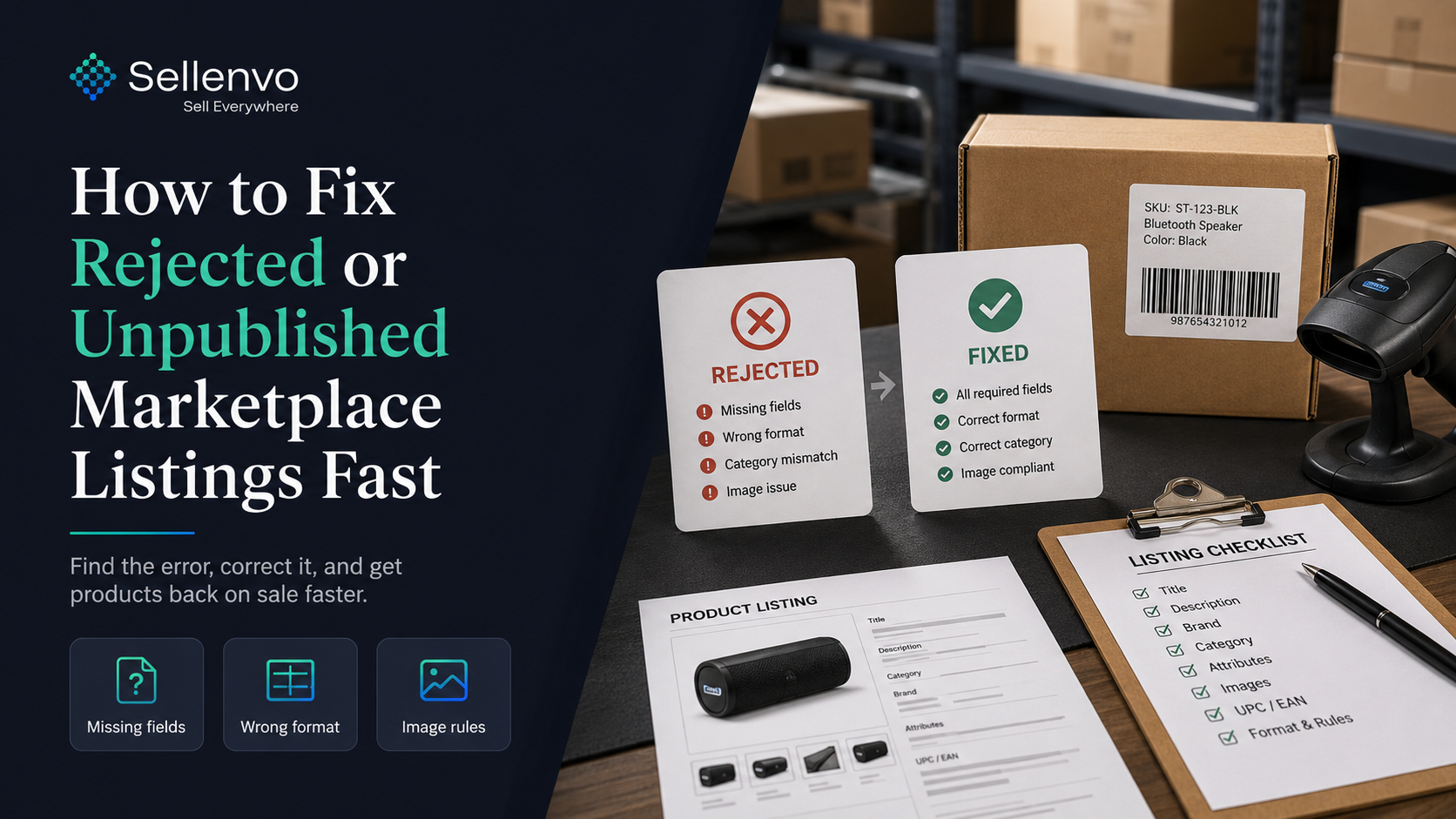
Few things are more frustrating than a product that will not go live. The listing is rejected or stuck unpublished, the marketplace flags a vague error, and you lose sales for every hour it sits broken. Rejections are usually caused by a small set of fixable issues. Here is how to diagnose and fix them quickly so your products get back on sale.
The short version: most rejections come from missing required fields, wrong formats, category or identifier problems, or image rule violations. Find which one, correct it, and resubmit. Tools that repair listings automatically can collapse this into a single action.
Why listings get rejected
Marketplaces enforce strict rules, and a listing that breaks any of them will not publish. The common causes:
1. Missing required fields. A required attribute, identifier, or specification is blank. 2. Wrong format. A field is filled but in a format the marketplace rejects, dimensions, identifiers, or category values. 3. Category or attribute mismatch. The product is in the wrong category, or required category-specific attributes are missing. 4. Identifier issues. A missing, invalid, or duplicate GTIN, UPC, or EAN. 5. Image rule violations. Low resolution, too few images, watermarks, or backgrounds that break marketplace policy.
How to diagnose quickly
Work through it in order:
1. Read the exact error. Marketplaces give a reason, even if it is terse. Start there. 2. Check required fields first. A blank required attribute is the most common cause. 3. Verify formats. Confirm identifiers, measurements, and category values match the expected format. 4. Confirm the category. Wrong category triggers a cascade of attribute errors. 5. Inspect the images. Resolution, count, background, and watermark rules.
How to fix it fast
Once you know the cause, the fix is usually quick: add the missing field, correct the format, remap the category, supply a valid identifier, or replace the image. The slow part is doing this one error at a time across many listings.
This is where automated repair changes the game. Sellenvo is proud to present Lista Pro’s One Button Fix repairs broken listings, missing fields, wrong formats, category mapping, and image issues, in a single action instead of fixing each problem manually. Combined with product details management, it keeps listings compliant so they publish the first time.
Manual fix vs automated repair
| Manual fix | Automated repair | |
|---|---|---|
| Time per listing | Often 30 to 45 minutes | One action |
| Multiple errors at once | One at a time | Fixed together |
| Risk of missing a rule | High | Low |
| At scale | Painful | Fast |
Stopping rejections before they happen
The best fix is prevention. Most rejections trace back to incomplete or non-compliant data at listing time. If your listings are built to each marketplace’s requirements from the start, with complete fields, correct formats, and compliant images, they publish cleanly and you spend far less time on rejections. AI listing creation that validates against marketplace rules as it builds is how you get there.
Bringing it together
A rejected listing is lost sales until it is live, so speed matters. Read the error, check required fields and formats first, confirm category and identifiers, inspect images, then fix and resubmit. Automated repair turns that whole sequence into one action, and building compliant listings from the start prevents most rejections entirely.
Lista Pro repairs broken listings in one action and builds compliant listings from the start, with a free trial and a more-sales-or-money-back guarantee. Start your free trial or see the pricing.
Frequently asked questions
Why was my marketplace listing rejected?
Usually a missing required field, a wrong format, a category or identifier mismatch, or an image rule violation. The marketplace error message points to the cause, and checking required fields first resolves most cases.
How do I fix an unpublished listing fast?
Read the exact error, check required fields and formats, confirm the category and identifiers, inspect the images, then correct the issue and resubmit. Automated repair tools can fix multiple issues in one action.
What causes image rejections specifically?
Low resolution, too few images, watermarks, or backgrounds that break marketplace policy. Replacing the image with a compliant one resolves it.
Can listings be fixed in bulk?
Yes. Tools with automated listing repair can correct missing fields, formats, category mapping, and images across many listings at once, rather than one at a time.
How do I stop listings being rejected in the first place?
Build listings that meet each marketplace’s requirements from the start, with complete fields, correct formats, and compliant images. AI listing creation that validates against marketplace rules prevents most rejections.