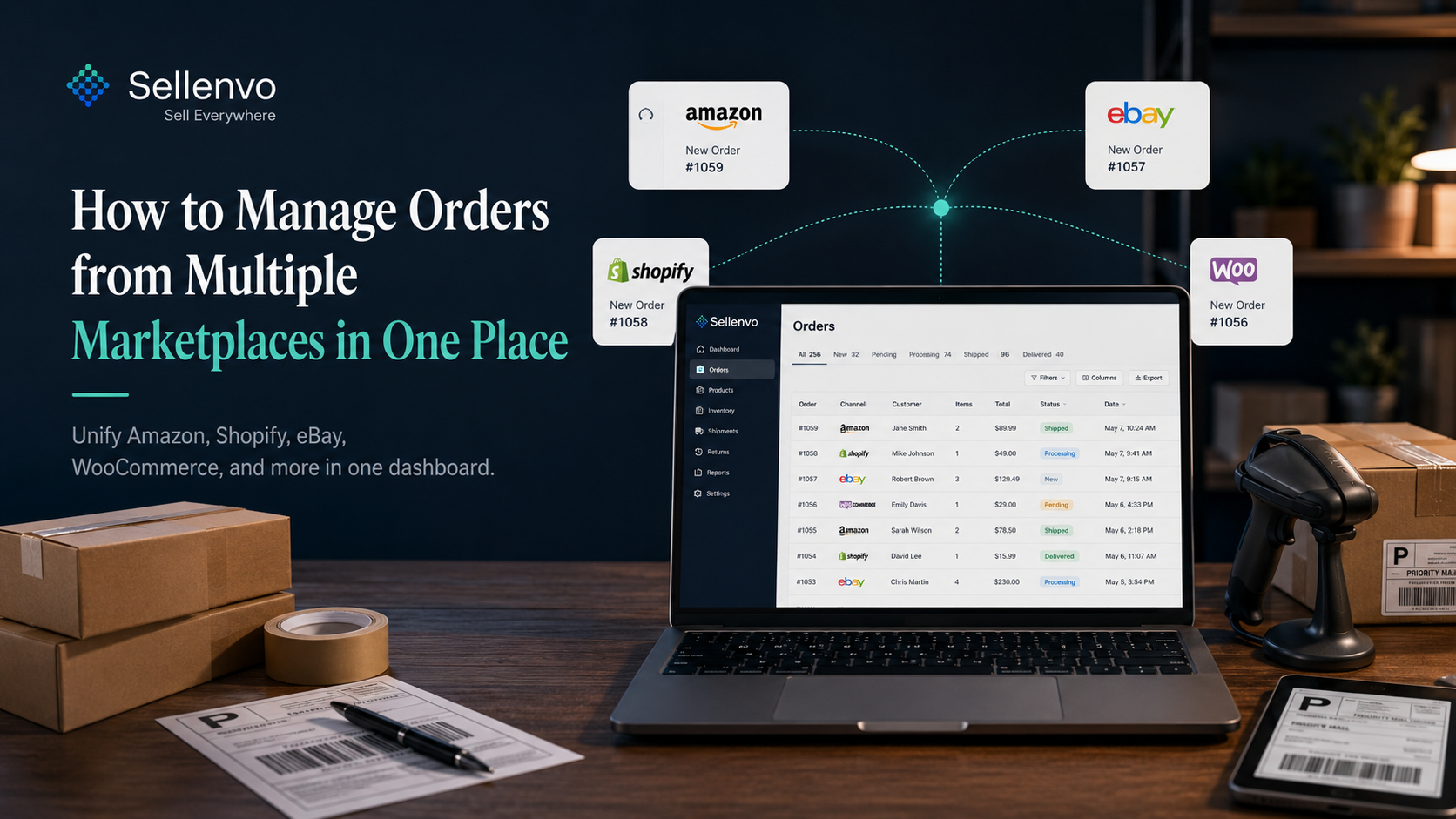
If you sell on more than one channel, you already know the problem. Orders land in Amazon Seller Central, others in Shopify, more in eBay, and you spend your day jumping between tabs trying to remember which ones you have shipped. The fix is to pull every order into one place so you process them from a single screen. Here is how to do that, and what to look for in a system that handles it well.
The short version: stop checking each channel separately. Route all orders into one dashboard, standardize how you process them, and let stock update everywhere the moment an order ships.
Why tab-switching breaks at scale
A handful of orders a week is manageable by hand. Past that, the cost is not just time, it is errors. You miss an order because it came in on a channel you did not check that morning. You ship late and take a metrics hit on Amazon. You fulfill the same order twice because two people were looking at two screens. None of these are skill problems, they are structure problems. The work is spread across systems that do not talk to each other.
What "one place" actually requires
A real single-dashboard setup does four things, not one:
1. Pulls every order in automatically. New orders from each connected channel appear in one queue within seconds, not on a manual export schedule. 2. Standardizes the order details. Each marketplace formats addresses, taxes, and line items differently. A good system normalizes them so every order looks the same to your team. 3. Updates stock on fulfillment. When you ship, the sold units come off your available count across every channel, so you do not oversell the next customer. 4. Tracks status end to end. Pending, picked, shipped, delivered, all visible in one view so nothing falls through.
How to set it up
Connect your channels to a multi-channel platform, map your products so the same SKU is recognized across marketplaces, and turn on real-time order sync. With Sellenvo, orders from Amazon, eBay, Shopify, WooCommerce, and more flow into one queue, and real-time inventory syncing keeps your stock honest as you fulfill. Most sellers are operating from the single dashboard within days, not weeks.
Once connected, set a simple daily rhythm: open the one queue, work it top to bottom, ship, done. No more remembering which channel you have and have not checked.
Manual vs unified, side by side
| Manual, per channel | Unified dashboard | |
|---|---|---|
| Where orders live | Each marketplace separately | One queue |
| Risk of missed orders | High | Low |
| Stock accuracy | Drifts between channels | Synced on fulfillment |
| Time per day | Grows with channels | Roughly flat |
| Double-fulfillment risk | Real | Removed |
The mistakes that cost the most
The two that hurt sellers most: relying on memory to know which channels you have checked, and treating each marketplace's stock as a separate number. Both are solved by the same move, one queue and one synced stock figure. Everything else is detail.
Bringing it together
Managing orders across marketplaces is not about working harder, it is about removing the tab-switching entirely. Route every order into one place, standardize processing, and sync stock on fulfillment. Your day goes from scattered to a single clear queue.
Sellenvo connects your channels and brings every order into one dashboard, on a pay as you grow plan with a free trial. It already powers hundreds of growing stores, with 36M+ orders processed. Start a free trial or book a demo.
Frequently asked questions
How do I manage orders from multiple marketplaces in one place?
Connect each channel to a multi-channel platform, map your products so the same SKU is recognized everywhere, and turn on real-time order sync. Every order then appears in one queue you process from a single screen.
Will my stock stay accurate across channels?
Yes, with real-time inventory sync. When an order ships on any channel, the sold units come off your available count everywhere, so you avoid overselling.
Which marketplaces can I manage together?
Major channels including Amazon, eBay, Shopify, WooCommerce, and more, plus emerging marketplaces. The point is to have them all feed one order queue.
Is this only for high-volume sellers?
No. The benefit starts as soon as you sell on more than one channel, because that is when tab-switching and missed orders begin.
Can I still handle each order individually?
Yes. A unified dashboard does not remove control, it just puts every order in one place so you process them without hunting across systems.