
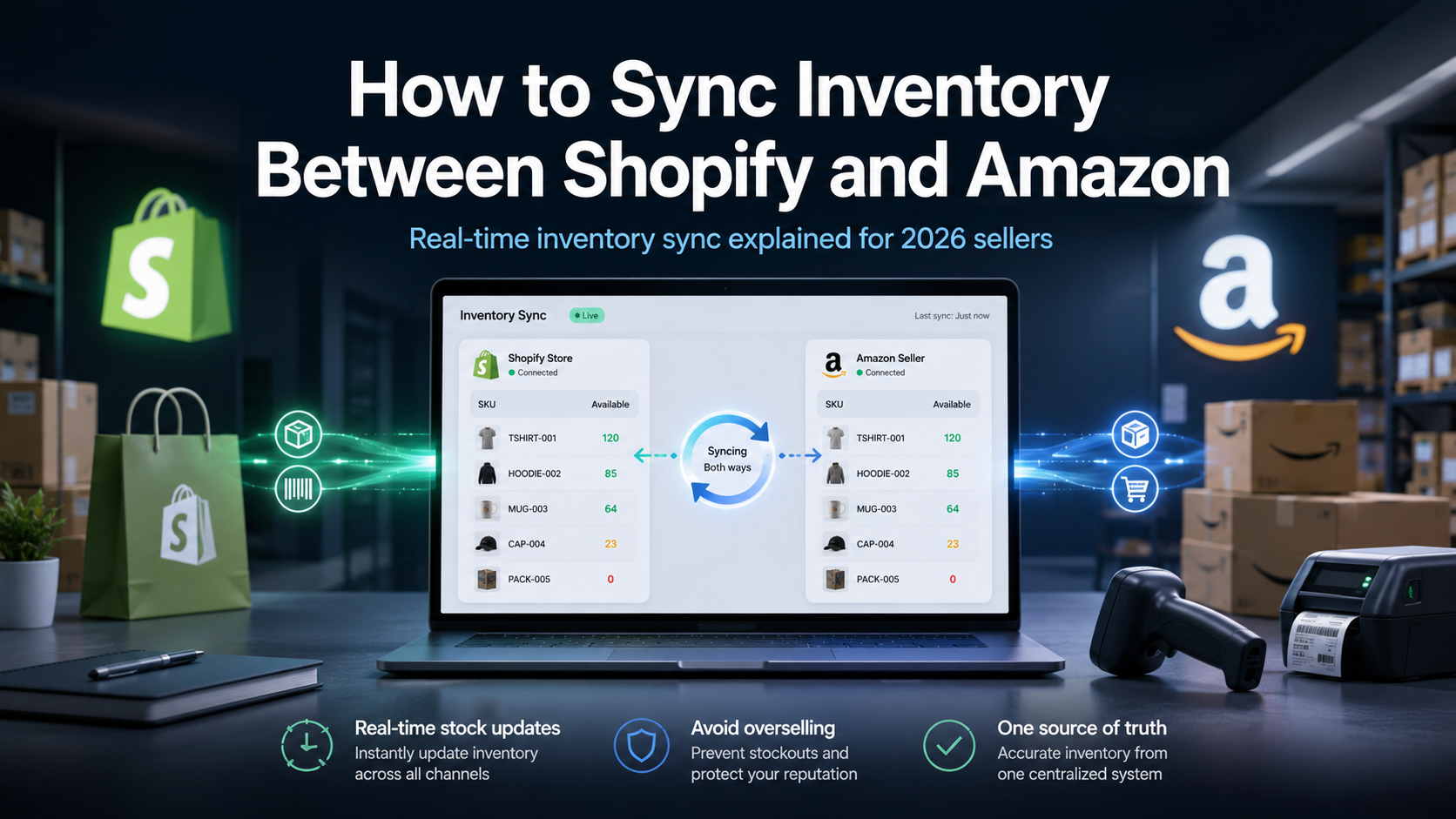
If you sell on both Shopify and Amazon, you already know the failure mode. A product sells out on Amazon, your Shopify store keeps showing it in stock, and a customer buys something you cannot ship. Or the reverse: you hold back stock on each channel to stay safe, and you leave sales on the table. Syncing inventory between Shopify and Amazon is the fix, but how you do it decides whether the problem actually goes away or just moves.
This guide covers the realistic options, what real-time sync requires, and the mistakes that quietly cost sellers money.
Why manual inventory updates break at scale
Manual sync works until it doesn't. With ten SKUs and twenty orders a week, a spreadsheet and a daily check is survivable. The moment you cross a few hundred orders a month across two channels, the math turns against you.
The core issue is timing. Amazon and Shopify each process orders on their own clock. Between the moment a unit sells on one channel and the moment you update the other, that unit is still listed as available everywhere. On a slow day that gap is harmless. During a promotion or a seasonal spike, that gap is exactly when you oversell, cancel orders, and take an Amazon metrics hit you cannot easily undo.
Spreadsheets also hide a second problem: they track a single number per SKU. Real inventory is messier. You have bundles, variants, and multiple warehouses. A "medium blue" that shares stock with a bundle is not a single number, it is a calculation. Manual systems do not do that calculation, so they drift.
What real inventory syncing actually requires
"Sync" gets used loosely. A real solution does four things, not one:
1. Real-time deduction. When an order lands on either channel, available stock drops everywhere within seconds, not on the next scheduled pull. 2. A single source of truth. One master stock level per SKU that both channels read from, rather than two numbers you try to keep equal. 3. Variant and bundle logic. Shared components decrement correctly. Selling a bundle reduces every SKU inside it. 4. Multi-location awareness. If you ship from more than one warehouse, the system knows total availability, not just one location's count.
If a tool only offers scheduled imports every few hours, it is not real-time, and the overselling window stays open. This is the line that separates a connector from an operations platform. Sellenvo's real-time inventory syncing keeps one master stock level across every connected channel and warehouse, and deducts the moment an order is placed.
The three ways to connect Shopify and Amazon
Option 1: Amazon's own Shopify channel
Amazon and Shopify offer a native connection that lets you publish Shopify products to Amazon. It is fine for getting listings live, but it is built around one Shopify store as the hub. The moment you add a third channel, eBay or TikTok Shop or Etsy, you are back to managing connections one pair at a time. It also does little for advanced inventory logic like bundles.
Option 2: A point connector
There are single-purpose apps that bridge two specific platforms. They are cheap and narrow. The trap is that each connector only knows about its two endpoints, so your inventory truth is scattered across several apps that do not talk to each other. Three channels means three connectors and no single place that knows your real stock position.
Option 3: A multi-channel platform
A platform sits in the middle and treats every channel, including Shopify and Amazon, as a spoke around one inventory core. You connect each channel once. Stock, orders, and listings flow through a single system. This is the only model that stays clean as you add channels, which most growing sellers eventually do. It is the model behind multi-channel listing software like Sellenvo.
Comparison at a glance
| Capability | Native channel | Point connector | Multi-channel platform |
|---|---|---|---|
| Real-time stock deduction | Partial | Varies | Yes |
| Single source of truth | One store only | No | Yes |
| Bundles and variants | Limited | Limited | Yes |
| Scales past two channels | No | No | Yes |
| Order management included | No | No | Yes |
How to set it up cleanly
Whichever route you choose, the setup principles are the same:
- Match your catalog by SKU first. Before connecting anything, make sure the same physical product uses the same SKU on Shopify and Amazon. Mismatched SKUs are the number one cause of broken sync. This single step prevents most problems.
- Pick one master. Decide which system holds the true stock number. On a platform, that is the platform itself. With a connector, usually Shopify. Everything reads from the master.
- Set a buffer for fast movers. For SKUs that sell quickly, hold a small safety buffer so a burst of simultaneous orders cannot dip you negative before sync completes.
- Test with one product. Connect a single SKU, sell a unit on each channel, and confirm the counts move correctly before you onboard the whole catalog.
On Sellenvo specifically, connecting both channels takes minutes, and the One Button Fix, a one-click listing repair no other platform offers, resolves listing errors and missing attributes that would otherwise block a clean sync. Most sellers connect their channels and start operating within days.
What to do about orders, not just stock
Inventory is half the problem. Once both channels are live, orders arrive in two places with two formats and two fulfilment flows. If you solve stock but leave orders split, you have only fixed half the chaos. A platform that handles order management routes, splits, and tracks every order from both channels in one queue, which is where the real time savings show up.
The bottom line
Syncing inventory between Shopify and Amazon is not hard to start. It is hard to keep clean as you grow. A native connection or a point app will get two channels talking. A multi-channel platform keeps your stock honest across two channels today and ten channels later, with orders and listings handled in the same place. If overselling or manual updates are costing you sales, that is the upgrade worth making.
Sellenvo already powers hundreds of growing stores, with 36M+ orders processed and sellers saving 20+ hours a month on catalog and admin work. It runs on a pay as you grow model with a free trial, so you can connect Shopify and Amazon and watch the sync work before committing. Start a free trial or book a demo.
Frequently asked questions
Can you sync inventory between Shopify and Amazon in real time?
Yes. With a platform that deducts stock the moment an order is placed on either channel, both stay accurate within seconds. Scheduled-import tools update on a delay, which leaves an overselling window.
Will syncing stop me overselling?
It stops the most common cause: stale stock counts. A single master stock level that both channels read from, updated instantly on every sale, prevents selling units you no longer have.
Do I need separate tools for each channel?
No. A multi-channel platform connects Shopify, Amazon, and other channels to one inventory core, so you avoid stacking a separate connector per channel pair.
What happens to bundles and product variants?
A capable platform decrements shared components correctly, so selling a bundle reduces every SKU inside it and variants draw from the right stock pool.
How long does setup take?
Matching SKUs across both channels is the main prep. After that, most sellers connect their channels and are operating within days.